Platform for the food and beverage industry
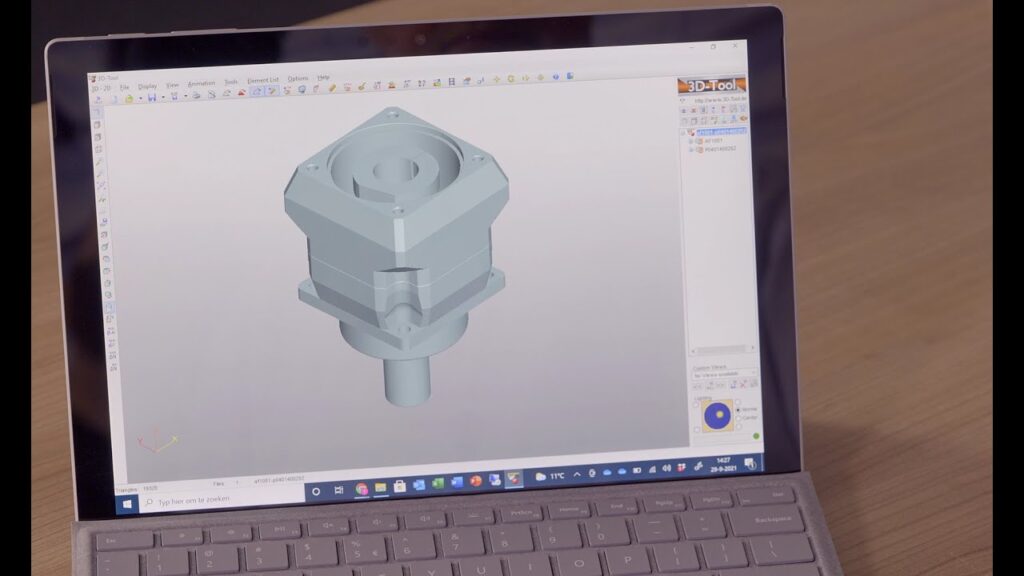
What is our design tool used for and more importantly, how do you use it? In this video we walk through the tool step by step. Director Thom van Oss explains the benefits of using the tool using the example of a servomotor - gearbox combination.
Design tool is an online configurator that allows to check a servomotor-gearbox combination and even rack and pinions. In addition, the technical drawing can be downloaded in 2D and 3D. Using the step drawing, engineers can work more efficiently and quickly to design desired machines.
Design tool can be started through several ways on our website. Once started, a simple roadmap follows. The program asks you to select the type of servomotor to be applied. In addition, the tool asks you to select the gearbox that you have previously selected. The type of gearbox, of course, depends on your application.
Design tool is developed as broadly as possible so that all important specifications such as input shaft diameter, allowable torques, maximum speeds and inertias are included. If the desired gear ratio or required ratio does not appear in the tool, we recommend contact to include. Apex Dynamics then checks whether the combination is mechanically possible at all and on which criteria the desired ratio is not selectable after which a recommendation follows. Finally, the output shaft version and desired gear ratio class can be selected.
When all required information is delivered, Apex Dynamics can start working to deliver the requested product completely.