Platform for the food and beverage industry
Carefree enjoyment of good and safe food
In recent years, food companies have been forced to digitize more than ever. Quality work had to be done remotely and sometimes remote audits were necessary. It is then convenient if all documentation is available digitally. With a roadmap for digital quality assurance, quality managers are well prepared for the future. To do so, follow the steps below.
First, determine the starting point:
Once the starting point is known, as a second step figure out what goals need to be achieved during the digitization journey. By having this focused in mind, it is easier to find the right solutions. Consider:

The third step is to determine the method of digitization. This depends in part on the budget available. Digitization is an investment that is often quickly recouped. In addition, online software solutions do not always require a large investment. For example, conduct a business case (feasibility study) in which you make a cost-benefit analysis.
Is there no budget? Then go ahead and partially digitize work yourself. Think of using formulas in Excel. Although this will not achieve all goals, it is a small start. Is there a budget available? Then take stock of the issues below to map out the right route for digitization.
Think about who should use the software. Will only the quality department work with the software or should it be applied throughout the company? If the software is to be used by a large number of employees, also consider ease of use. In doing so, examine the following, for example:
Digital quality solutions are offered through offline and online software. With offline software, also called on-premises, the software is installed on the company's computers. The computers must meet certain requirements for the software to function properly. Data, in most cases, is stored on your own computer. The advantage of offline software is generally that you only have to purchase the software once to use it.
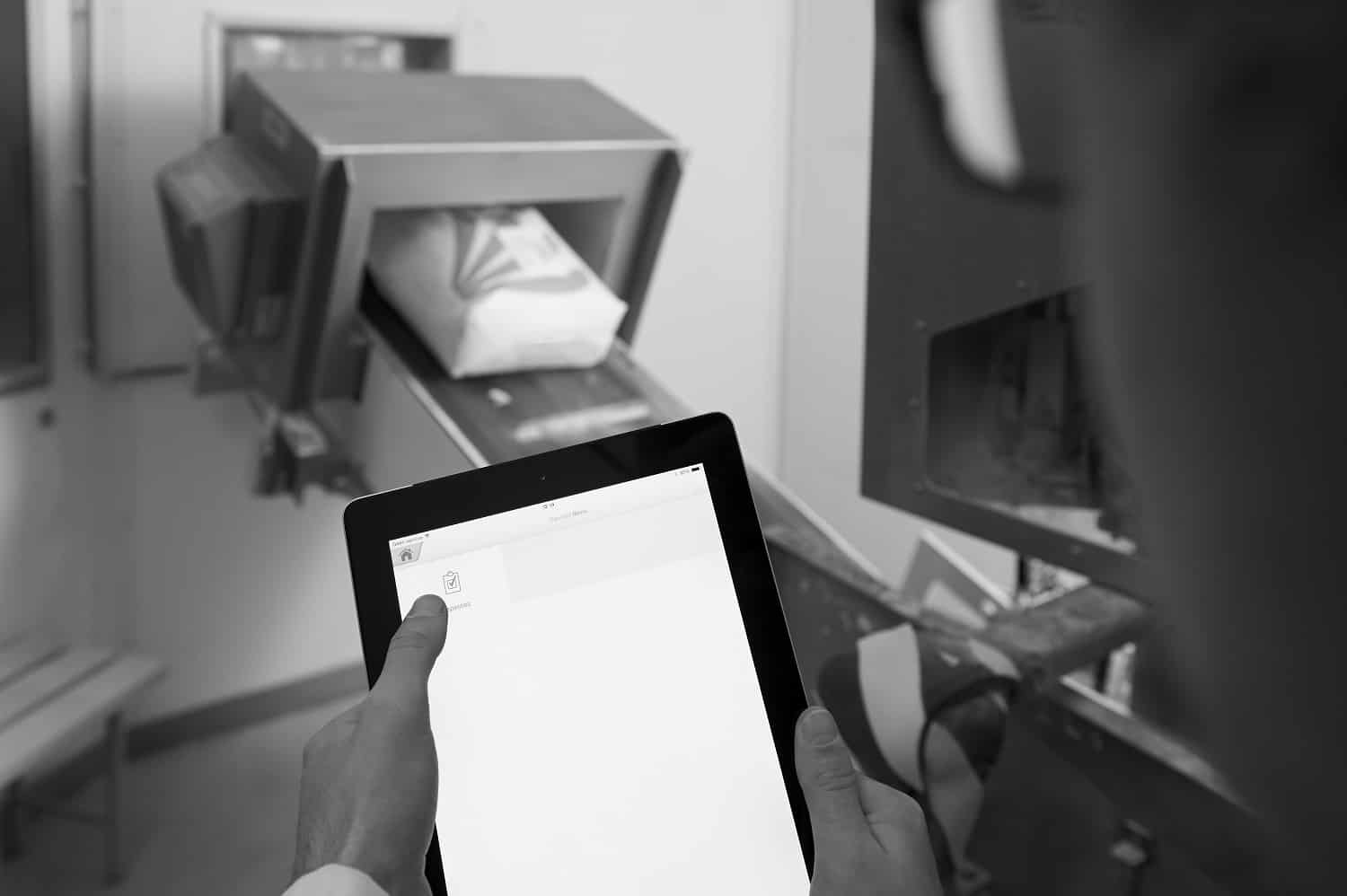
But there are also several drawbacks to offline software. The one-time purchase often requires a substantial investment. In addition, IT facilities must be available within the organization for installations and maintenance. And what if several employees start working with the software? In addition, it is important to find out in advance whether the software can be updated regularly and whether there are additional costs for this. To work safely, software should always be updated in a timely manner.
With online software, you access the application through the Internet. This is also known as Software as a Service (SaaS). The user does not have to purchase the software, but enters into a contract, for example, where annual and/or monthly license fees are charged. This software always requires an Internet connection.
This can be a disadvantage if the Internet connection within the organization is not optimal. The data is stored in the "cloud" and is therefore not on one's own computer. Through any computer with an Internet connection, the software can be accessed and the data can be viewed. Sometimes a combination of online software with offline capabilities is used, such as our Inspection app that can be used offline. Very convenient if, for example, you perform an inspection in areas where no internet connection is available, such as in cold stores.
Working online offers several advantages. For example, in the event of a computer crash, data is never lost. It is also easy to share data with other colleagues within the organization. However, always check in advance how the security of the software is arranged.
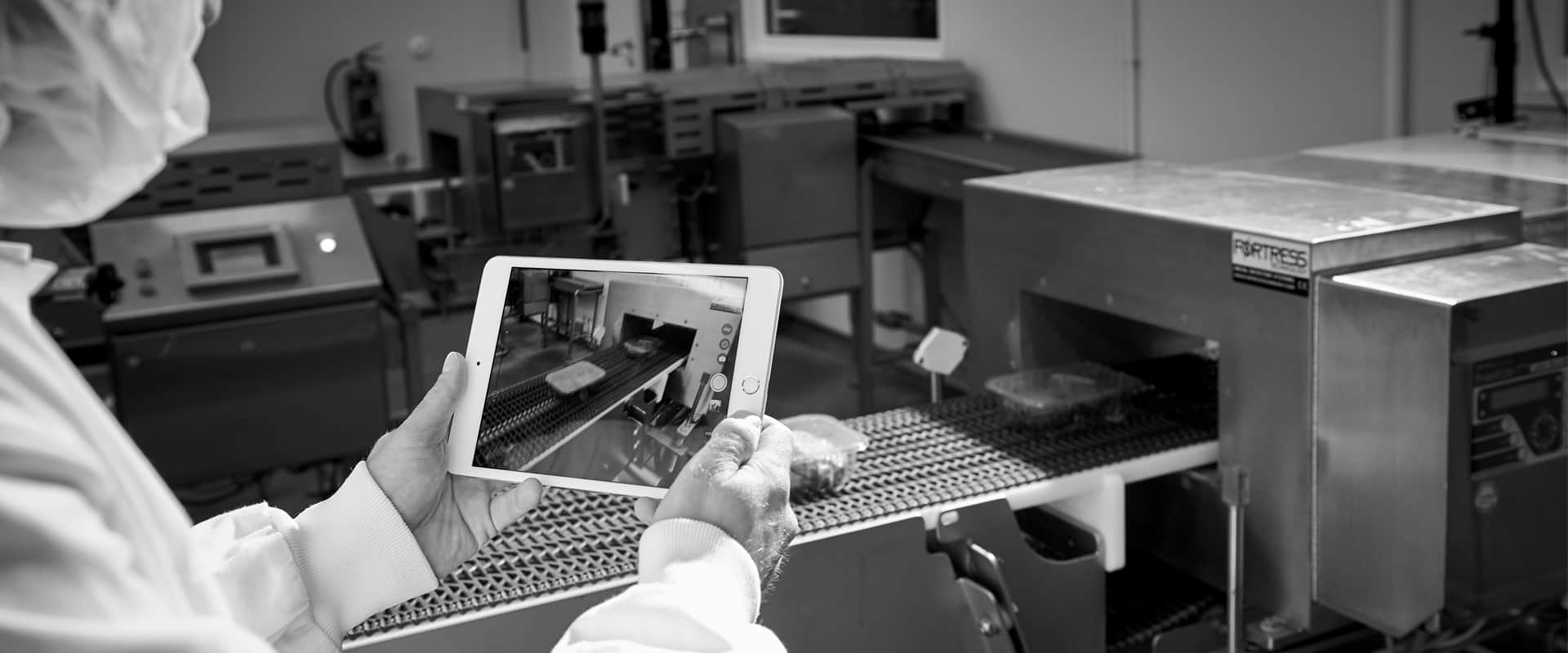
When working offline as well as online, data must be stored securely. This is critical to your organization, but is also required by GFSI recognized certification standards, such as BRCGS. For example, the BRCGS standard version 8 states:
If documents and/or records are kept digitally, they must:
So always investigate whether the appropriate security requirements can be met. For example, also look at realization of interim updates, server reliability and application uptime.
Perhaps the company is already working with separate software solutions. Nowadays, software companies are increasingly offering total solutions that can be purchased modularly. This offers the advantage of separate solutions because there is no need to purchase a complete package right away. At the same time, there are often other additional benefits, such as:
The quality landscape is constantly changing, so the roadmap for digital quality assurance must be regularly updated in the interim. Good preparation is half the battle. Therefore, carefully consider what opportunities you expect from digital solutions in the future. Questions that can be asked here are:

In short: plenty of things to think about when making the move to digital quality assurance. This brings us to the fourth step. We offer for food companies online QA software which is composed of several modules. During a free demo we will show you the various modules and explain how they connect to the issues within your company. Thus, together with you we create a roadmap for digitization of quality assurance. Our quotation is accompanied by a Service Level Agreement (SLA). This describes the quality of the software we provide and how issues such as security, updates, backups and the like are well taken care of. This makes it easy to complete the roadmap.